Three of these. Two of those.
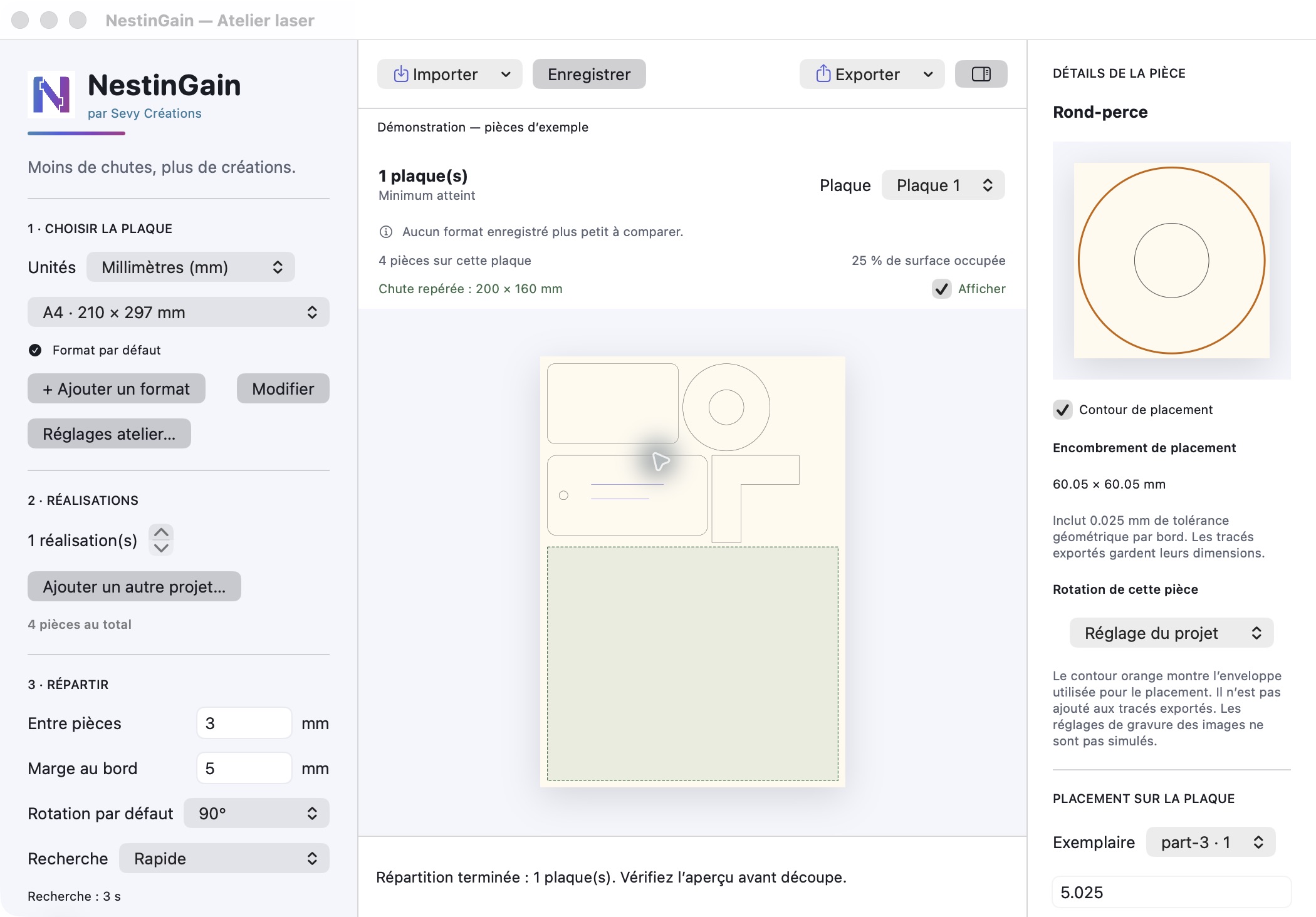
Combine several projects and set how many copies you want of each. Need an extra spare part? You can also adjust quantities for individual parts.

LASER CUTTING · APPLE SILICON MAC
Two projects, different quantities, one cutting batch. NestinGain brings your parts together and looks for a layout that leaves room for what comes next.
Compatible SVG and LightBurn projects · macOS 14 or later
A VERIFIED EXAMPLE, NOT A GENERAL PROMISE
The same parts, the same sheet size: compare an initial layout with the result saved by NestinGain. Two fewer sheets in this particular example.
Compare both results →BATCHES THAT MATCH HOW YOU WORK
Combine several projects and set how many copies you want of each. Need an extra spare part? You can also adjust quantities for individual parts.
Compare sheet sizes, adjust margins and rotations, then inspect each sheet. The search also aims to leave a useful rectangular offcut.
Save your work and return to the exact same layout. Run the search again without losing a result you’ve already checked.
Import and export compatible .lbrn2 projects, or work with SVG files. Check the settings in your laser software before cutting.
See supported formats and limitations →TAKE A CLOSER LOOK
A Windows version is in development. It is not available yet, and no release date has been announced.